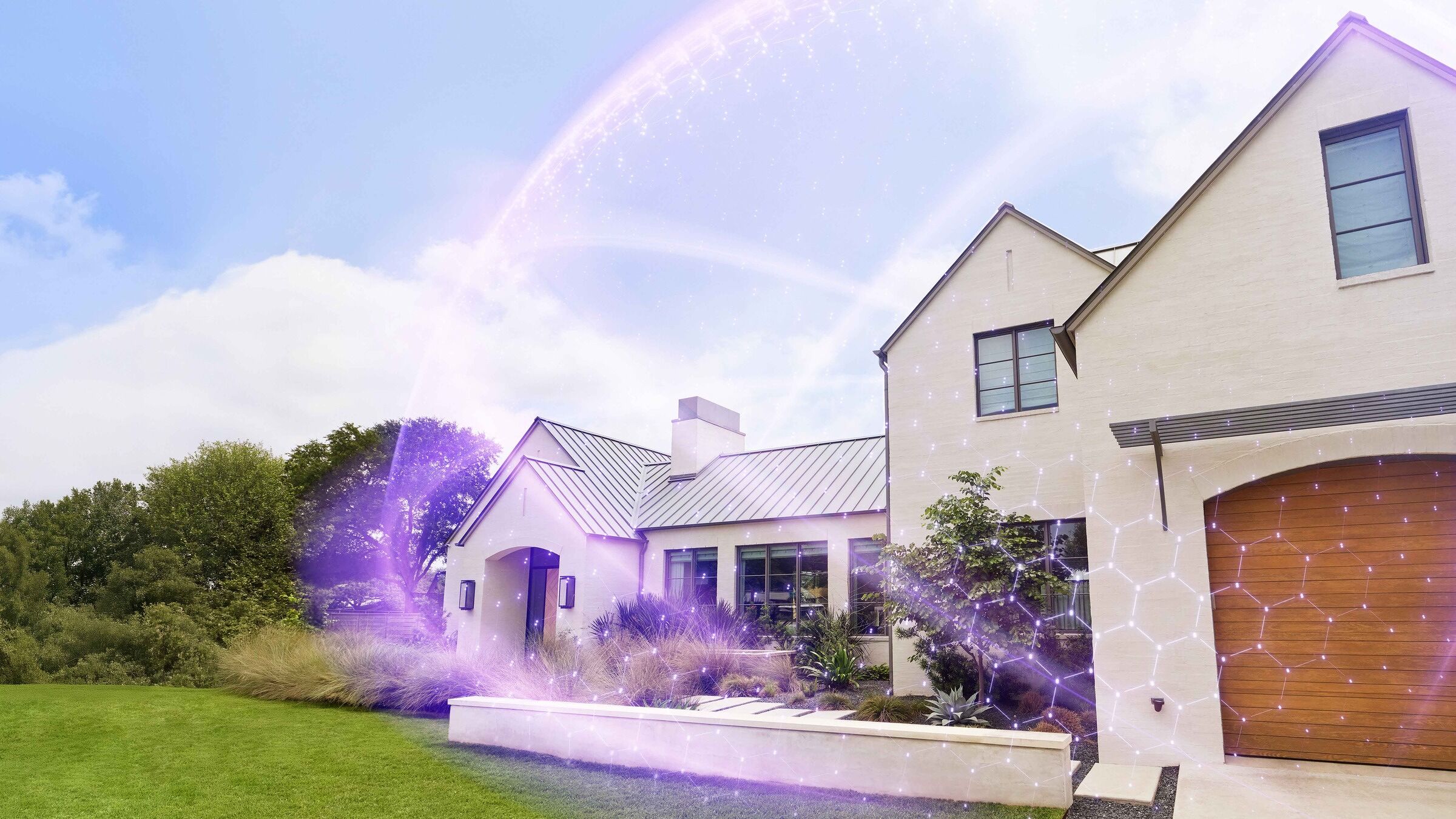
Xfinity Shield
Introducing a first-of-its-kind platform for intelligent home protection.
Technology has transformed how we live, work, and stay connected at home. But protection hasn't kept pace.
Xfinity Shield brings together cybersecurity, home monitoring, and family safety in one AI-powered experience.
Powered by Comcast's advanced network and Xfinity Gateway technology, Shield advances home WiFi from a connectivity solution into a protection layer designed to help safeguard what matters most.
Average number of connected devices to Xfinity WiFi
US adults have experienced an online scam or attack1
Threats identified, filtered and blocked each day
One Platform. Three Layers of Home Protection.
Today's homes face digital, physical, and family challenges. Xfinity Shield brings these protections together in a unified, seamless experience.
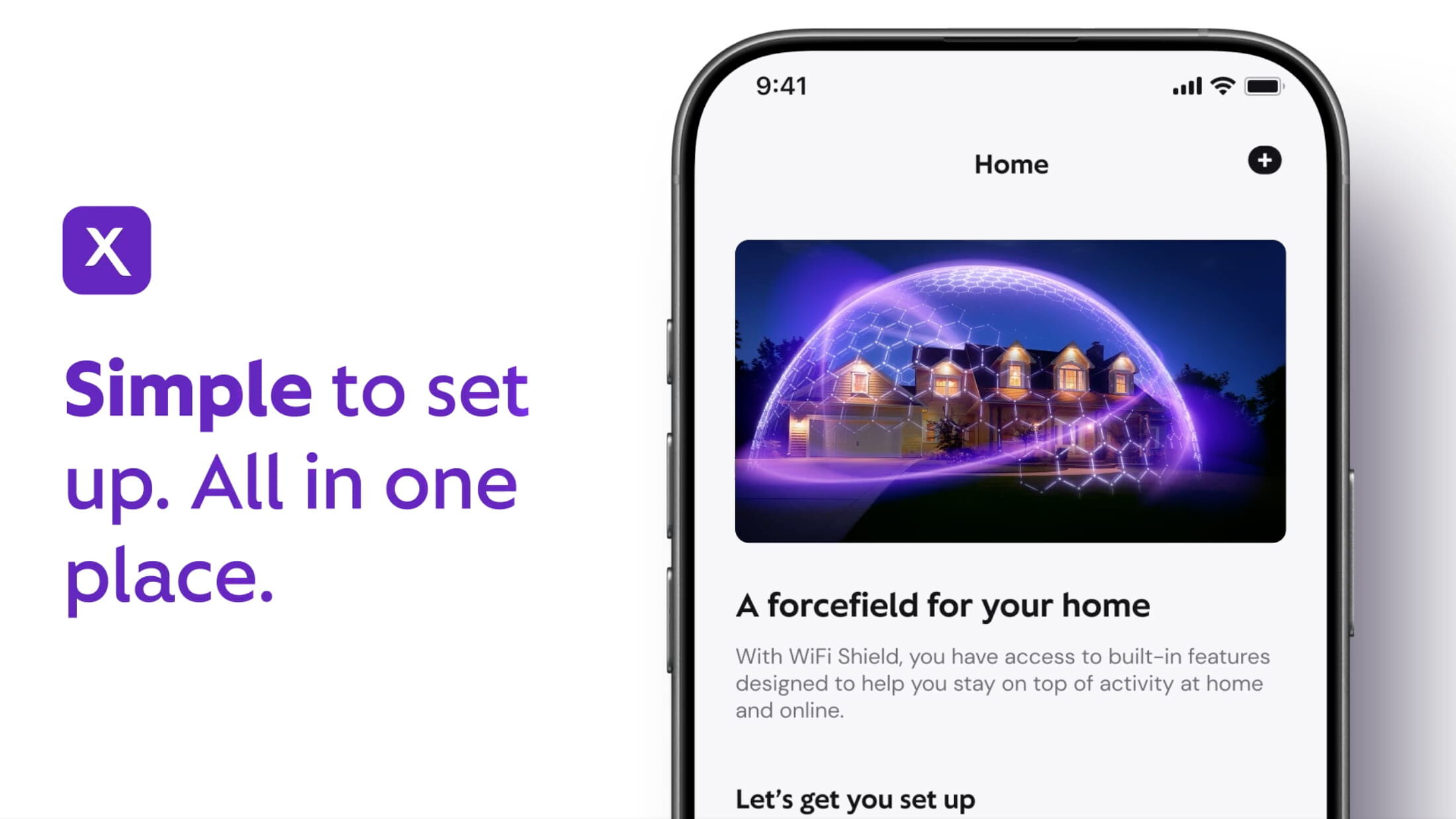

Digital Protection:
Cybersecurity Starts at the Network
Built directly into the Xfinity WiFi experience, Xfinity CyberSecure offers AI-enhanced always-on protection against malware, hackers and risky sites – working automatically the moment a device connects.
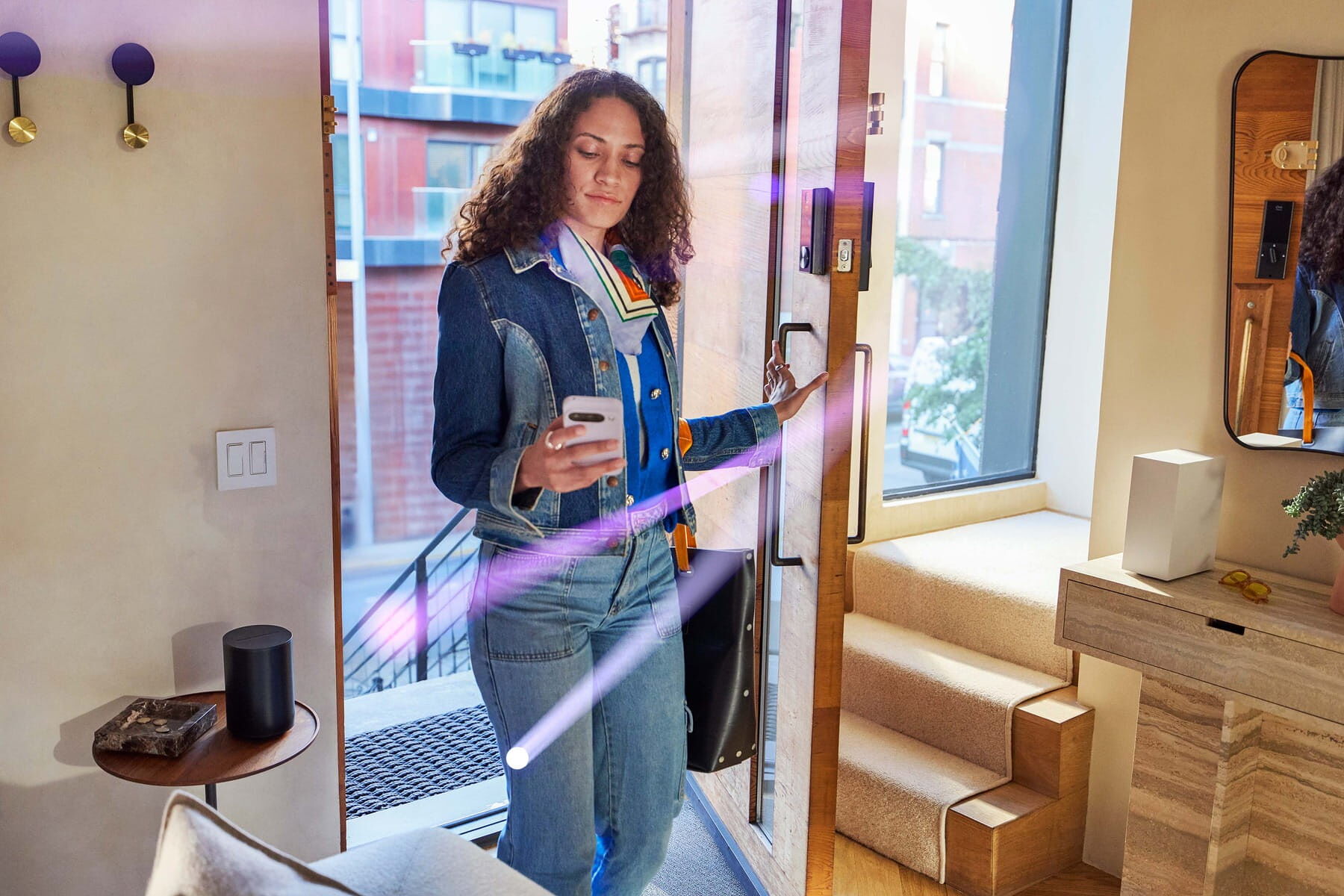
Physical Protection:
Awareness Without Cameras
WiFi Motion is an opt-in feature that uses an Xfinity Gateway and connected devices to detect motion inside the home without cameras. By monitoring changes in the WiFi signal, it can send instant notifications through the Xfinity app when unexpected activity is detected.

Family Protection:
Creating Healthier Digital Habits
Family Settings help customers create healthy digital habits by managing screen time, organizing devices, setting schedules, and pausing WiFi during homework, bedtime, or family dinner – all from the Xfinity app.
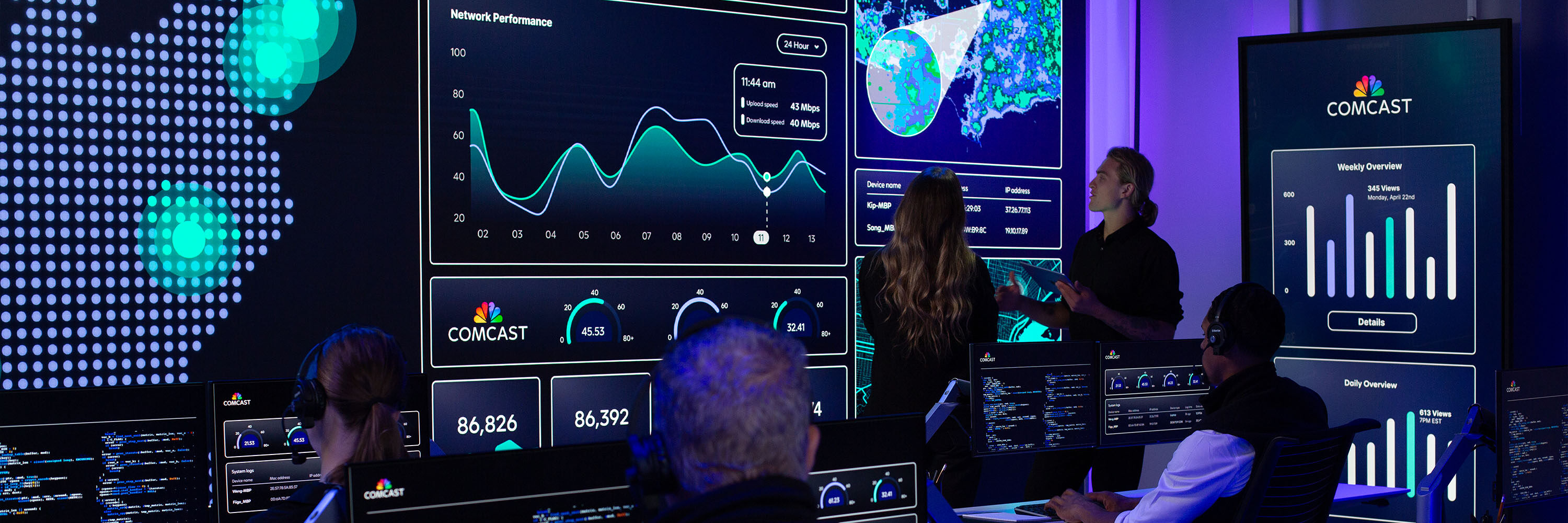
Cybersecurity at Scale.
In today’s intelligent home, cybersecurity has become a critical protection for everyday life. With more than 1.2 billion devices connected across Comcast’s network, we use AI-powered intelligence and advanced network technology to identify, filter and block over 30 million cyber threats every day.
That experience powers Xfinity CyberSecure, delivering always-on protection through the Xfinity Gateway to help keep connected devices safer from malware, phishing, scams and other online threats.
Learn MoreBuilt for Peace of Mind
Xfinity Shield turns the nation’s most reliable WiFi into a forcefield for your home, offering intelligent home protection in two simple plans:
WiFi Shield
Connected home protection built into the Xfinity WiFi experience with CyberSecure, WiFi Motion, Family Settings and customizable protection modes, including Dark Watch for when you’re asleep. WiFi Shield is available at no additional cost for Xfinity Internet customers with an Advanced Gateway.
Shield Select
WiFi Shield features plus enhanced monitoring with an indoor camera, door/window sensor, cloud video storage and 24/7 urgent response.
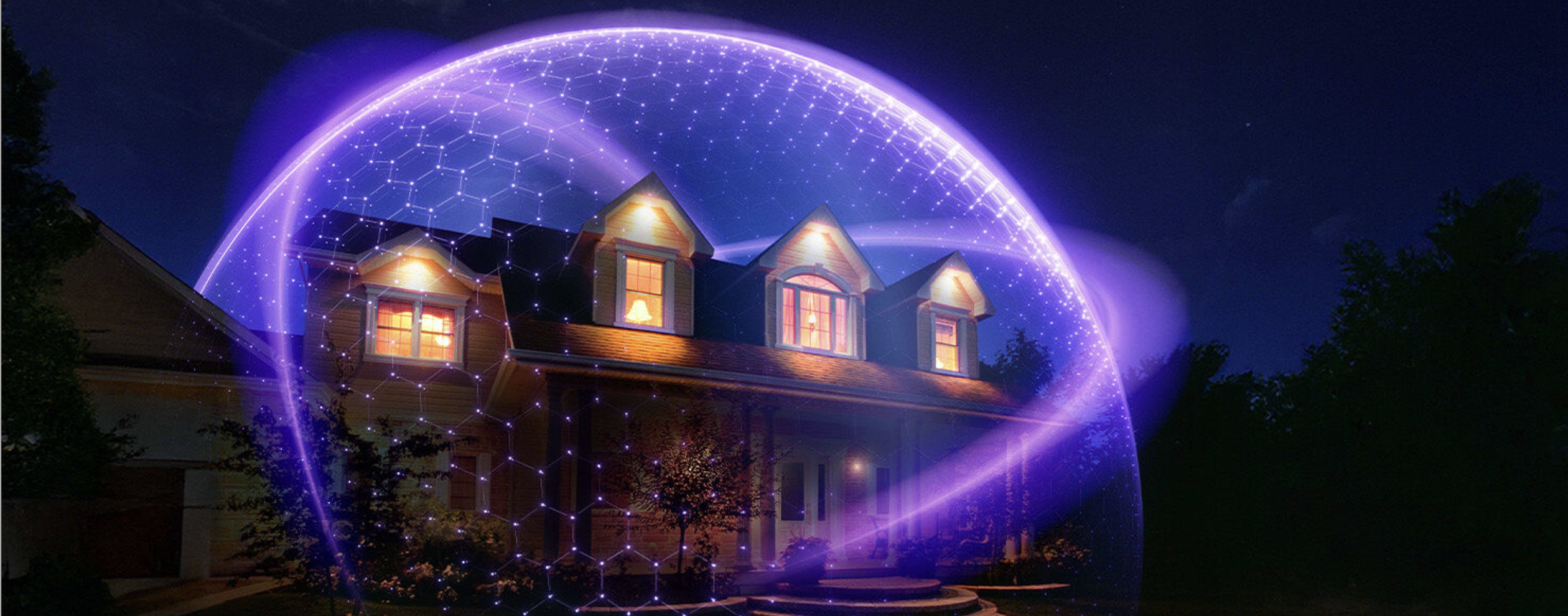
Comcast Introduces Intelligent Home Protection with Xfinity Shield
Powered by Comcast’s advanced network and Xfinity Gateway technology, Shield leverages AI capabilities embedded across the nation’s largest network to transform WiFi into a protection platform for the home.
Learn More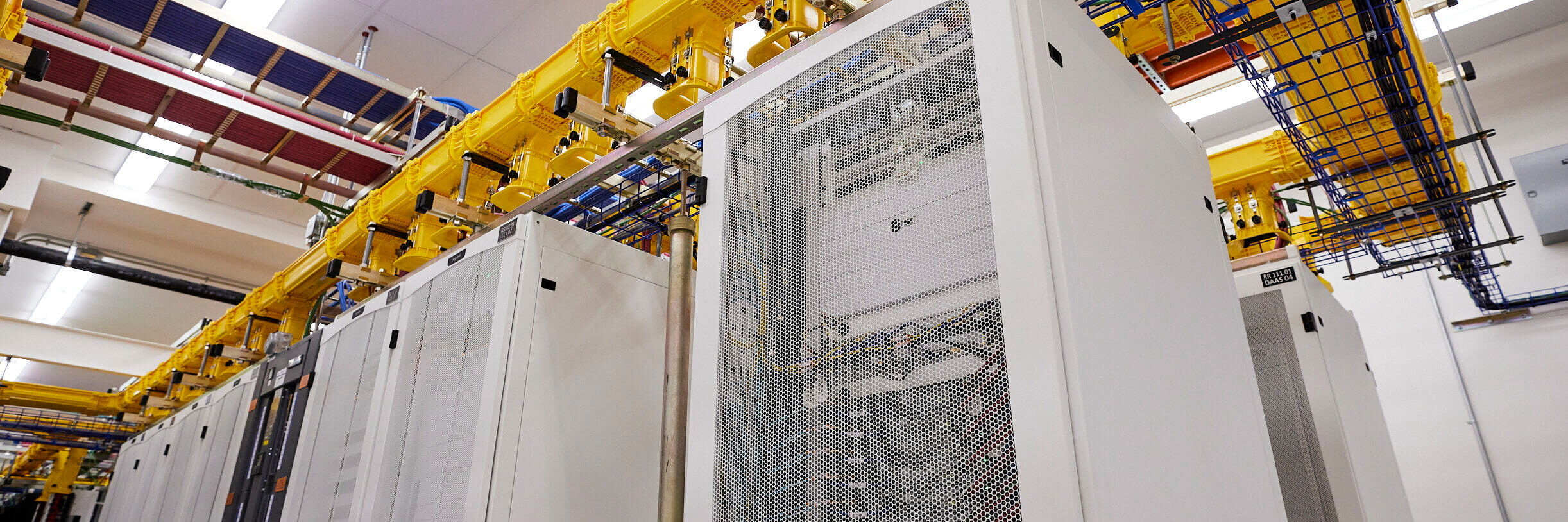
Powered by Our Network.
Powered by Comcast's intelligent, AI-enabled network and advanced gateways, Xfinity Shield extends the value of WiFi beyond connectivity to intelligent protection. By bringing digital, physical, and family protection into one platform, Shield makes it simpler to protect the home.
The future of connectivity isn't just about keeping homes connected. It's about helping to keep them protected.
Learn MoreFAQs
What is Xfinity Shield?
Xfinity Shield is a first-of-its-kind protection platform that brings together digital, physical and family protection in one simple experience – defining a new category of intelligent home protection. Powered by Comcast’s advanced network and Xfinity Gateway technology, it leverages AI to help protect customers’ homes, devices, and families through a unified experience with the Xfinity app.
What is WiFi Shield? What does it include?
WiFi Shield turns your WiFi into a security layer so you can protect your home, your devices and your family with an Xfinity Gateway. Included with Xfinity WiFi at no extra cost, it offers CyberSecure for digital protection, WiFi Motion for camera-free motion awareness*, Family Settings for parental controls and screentime management, and customizable protection modes through the Xfinity app.
* Requires compatible Xfinity Gateway
What is Shield Select? What does it include?
Shield Select is a simple, affordable home self-monitoring solution that includes all features of WiFi Shield plus additional hardware and protection capabilities. Features include an indoor camera, door/window sensor, 24/7 urgent response, and secure cloud video storage for recorded camera footage.
Do customers need to pay for WiFi Shield?
No, WiFi Shield is included at no cost for all Xfinity Internet customers with Advanced Xfinity Gateways.
How does Xfinity CyberSecure protect devices?
CyberSecure provides always-on protection for all devices from the moment they connect to home WiFi. Because it operates at the network level through the Xfinity Gateway, every phone, laptop, tablet, smart TV, and smart home device that joins the home network is protected from malware and malicious content. CyberSecure is provided as part of WiFi Shield. It’s built into the Gateway and included with your Xfinity Internet service at no extra cost.
What is WiFi Motion and how does it work?
An opt-in feature, WiFi Motion uses the WiFi signal from a customer’s Xfinity Gateway to sense movement in their home — no cameras needed or recordings captured. If motion is detected between the Gateway and other connected devices, the customer can be notified. They can be alerted to movement in their home using technology that's already built into their Gateway, whether they’re in the next room or away from home. WiFi Motion works across compatible Gateway models and is included with their Xfinity Internet service at no extra cost.
How does the Family Settings feature help keep kids safe online?
Family Settings gives customers tools to help manage their family's digital life at home. From the Xfinity app, they can monitor screen time usage, set time limits for specific devices or family members, pause WiFi access for individual people or devices, and block unwanted or age-inappropriate sites — without needing additional equipment or software. Family Settings is built into the Gateway and included with your Xfinity Internet service at no extra cost.
What is Dark Watch? How can a customer customize it to their schedule?
Dark Watch lets customers tailor their home’s settings for bedtime, overnight hours, or other schedules. When Dark Watch is active, customers can choose which WiFi Motion-enabled devices should send alerts at night, receive camera and door/window sensor alerts, lock connected smart doors, control connected lights, and pause WiFi to help family members wind down before bed. They can also schedule Dark Watch to turn on and off automatically based on their household's routine.